Track8 Theme Editor (1.1.0)
Here you can create custom themes for your Track8 device.
To share themes with your friends, press the Share button that copies the URL to your clipboard. The URL is unique and contains all theme contents.
Download your theme.json file with the Download button.
To upload the theme file to your Track8. Connect Track8 via the USB-C to USB-A cable to your computer. On the TRACK8 External drive go to the bin folder. Then paste the theme.json into this folder (and override the existing theme.json if needed).
Make sure to properly eject the TRACK8 External Drive from your Computer. After that you can pull the USB-C to USB-A cable and Track8 will restart automatically.
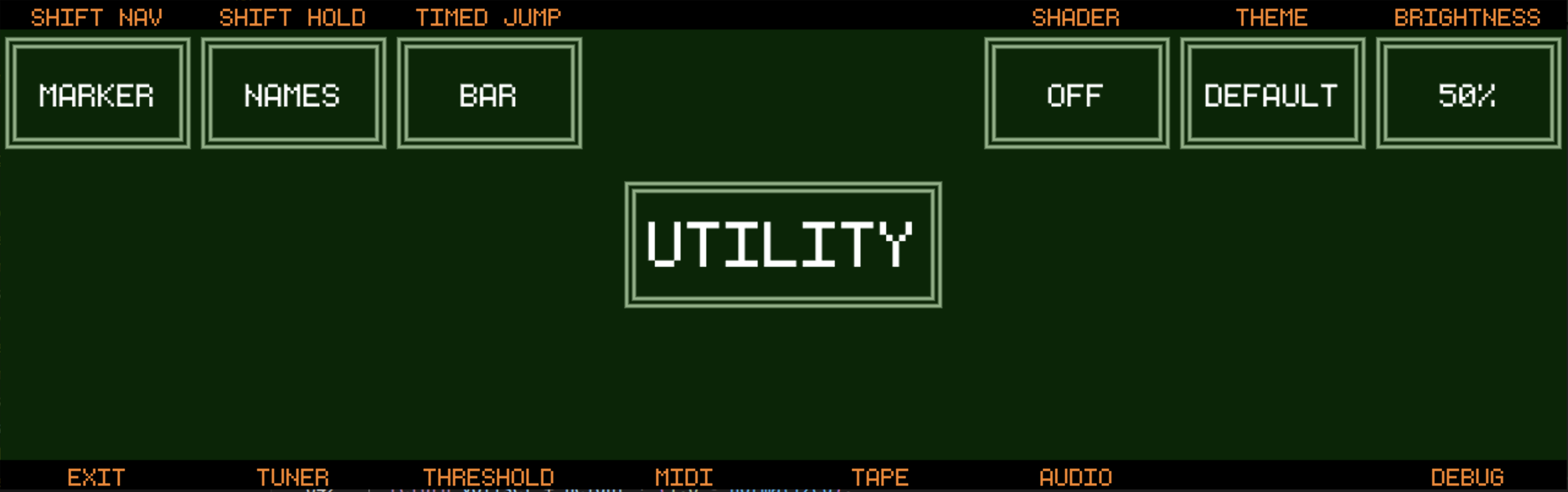
In Track8 navigate to the Main Settings (SHIFT + FILE) and go to UTILITY.
Encoder 7 lets you select between the default theme and your custom themes.